 Welcome to visit !
 Login
Login
How to read 48V Lithium Ion Wall Mount Solar Energy Storage Battery backup Information on Computer?
 description
 0 Comments
 Release time:
09-22 09:42
Release time:
09-22 09:42
 Share
Share


Click here to buy China Curenta Factory made 48v lithium ion battery: https://curenta.myshopify.com/products/curenta-lithium-ion-solar-storage-lifepo4-48v-100ah-5kwh-wall-mount-battery
How to read the information of wall mount backup battery from our manufacturer and supplier on host computer?
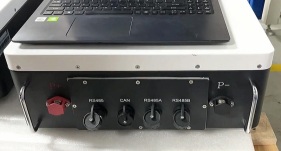
Firstly, prepare a RS485 communication box. Connect RJ45 terminal to solar energy storage battery RS485 communication port, and another USB terminal to the host computer USB port. Then open the host computer software. Language can be changed.
Collection

 All In One ESS
- ESS Battery
 LITHIUM BATTERY CHARGER
 POWERWALL BATTERY
 RACK MOUNT BATTERY
 GOLF CART BATTERY
 24V LIFEPO4 BATTERY
 12V LIFEPO4 BATTERY
Leave a Message

Recommended video
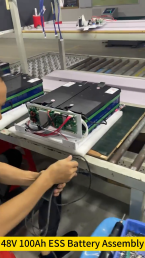
48V 100AH Lithium ion Battery for Home ESS

Lithium Battery Laser Welding Assemble
Sweeper Machine Lithium Ion Battery

Lithium ion Battery Golf Cart Aging Test
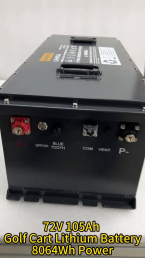
lithium golf cart batteries 72V
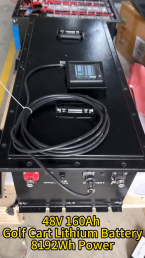
48V 160AH Golf Cart Lithium Battery
Comments (0)